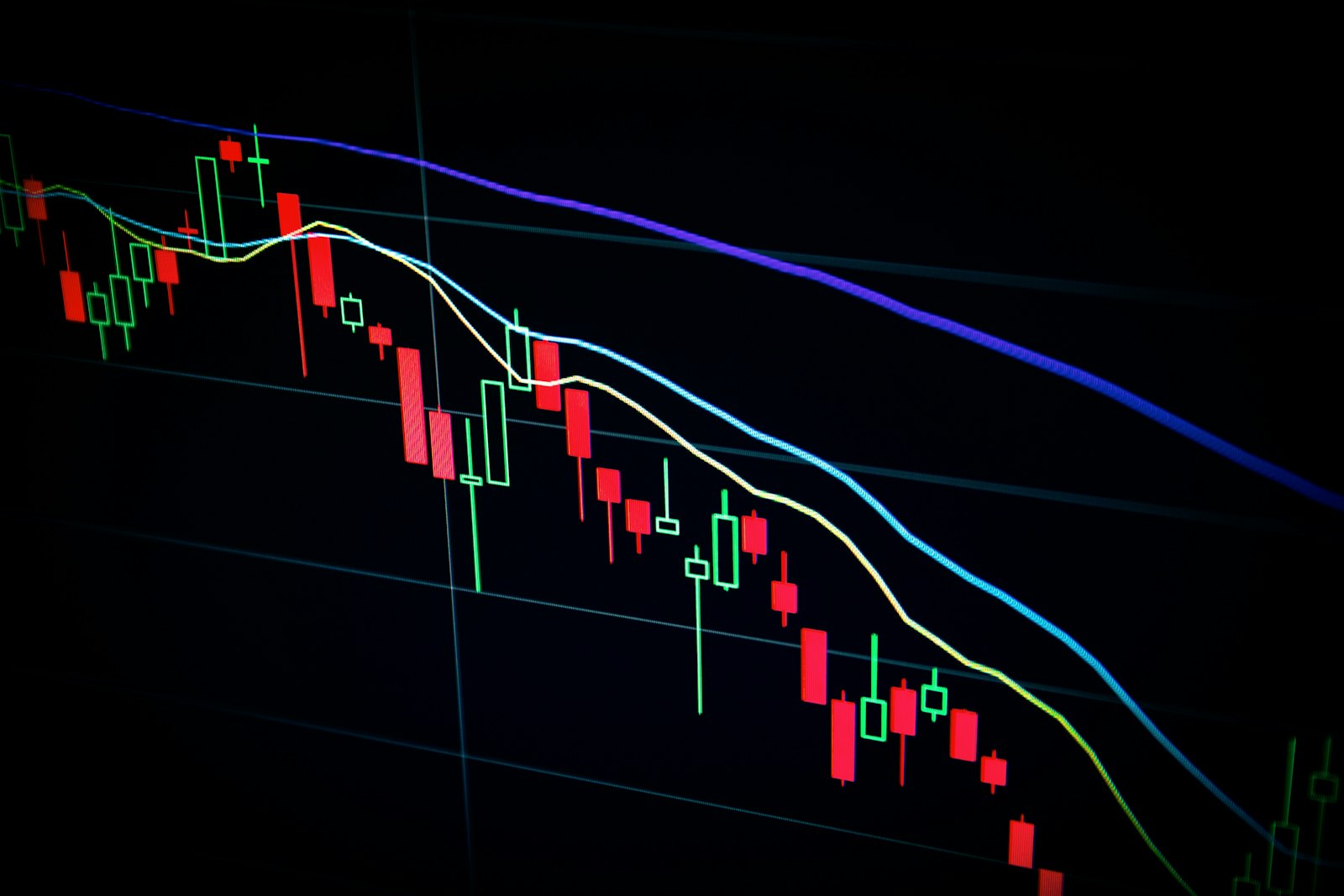
Many traders watch the same handful of indicators every day across a dozen browser tabs. A personal crypto signals dashboard puts them in one place: the pairs you follow, the indicators you trust and alerts when your conditions are met. Until recently, building one meant hiring a developer or learning to code. Today, AI coding tools let non-developers build a working version by describing it in plain language.
This guide covers what to include, where the data comes from, how to build it step by step without being a developer, and the backtesting traps that make many homemade signals look better than they are.
Note: this article is educational and is not financial advice. Signals and indicators do not guarantee results, and crypto trading carries a high risk of loss.
What a personal crypto signals dashboard should do
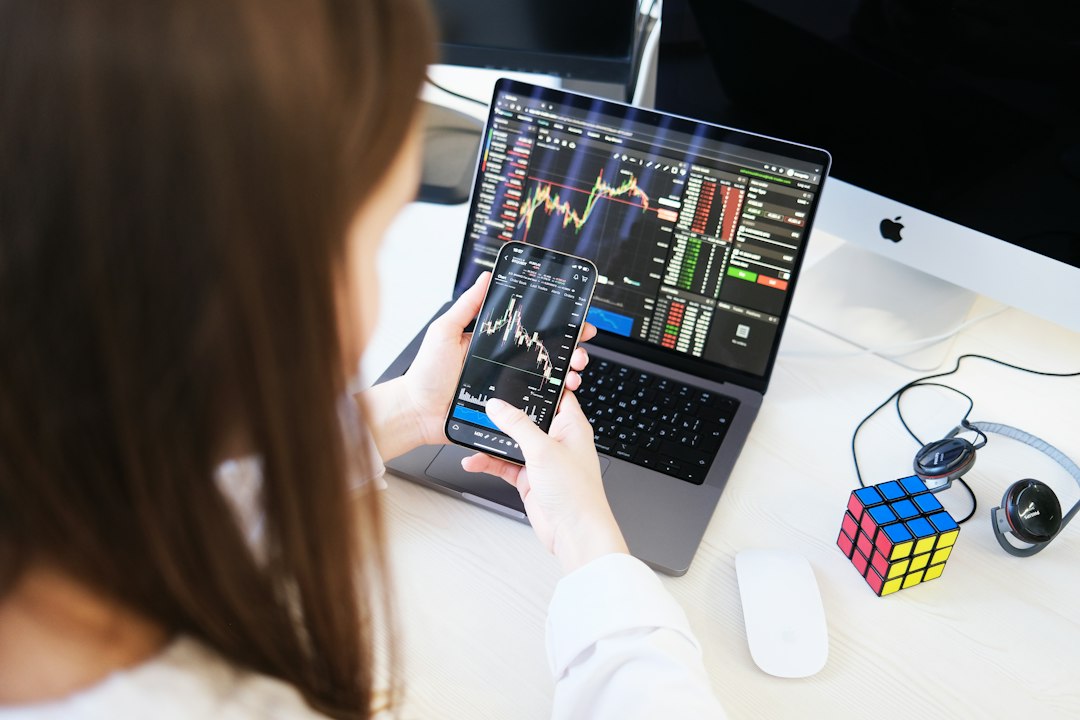
Keep the first version focused. A useful dashboard answers three questions at a glance: what is the market doing, which of my conditions are triggered, and why.
- Watchlist: the pairs you actually trade, with price, 24h change and volume.
- Indicators: a small set you understand, such as moving averages, RSI and MACD, calculated on the timeframe you use.
- Rules: your own conditions, for example "RSI below 30 and price above the 200-period moving average".
- Explanations: next to every signal, the values that produced it, so you never act on a black box.
- Alerts: a message to Telegram, Discord or email when a rule fires.
Resist the urge to add twenty indicators. More inputs usually mean more noise and more ways to fool yourself.
Data sources: prices, candles and limits
Indicators need historical candles (open, high, low, close, volume), not just the current price. Most major exchanges publish public market data endpoints that require no login, and market data aggregators offer free tiers for personal use.
Points to check before you build:
- Timeframes: whether the source provides the candle intervals you need, like 15 minutes, 1 hour or 4 hours.
- History depth: how far back you can fetch, which matters for long moving averages and for testing.
- Rate limits: store candles locally and update incrementally instead of refetching everything.
- Consistency: prices differ slightly between exchanges; use the venue you actually trade on.
A signals dashboard only needs read access. If you ever connect an exchange account, create a read-only API key with trading and withdrawals disabled, and never paste private keys or seed phrases into an AI tool.
How to build it with AI coding tools, step by step
AI coding tools such as Cursor, Claude Code, Lovable or Replit can write the code while you describe the outcome. The trick is to work in small steps you can verify.
- Ask for a plan. Describe the dashboard in a few sentences and ask the AI to suggest a simple stack and list the build steps before writing code.
- Fetch and store candles. Start with one pair and one timeframe. Check a few candles against the exchange chart by hand.
- Add indicators one at a time. Ask for RSI, then verify its value against a charting platform you trust. Small calculation differences are common, so confirm the formula and settings match.
- Write rules as plain conditions. Let the AI turn "RSI under 30 on the 4h" into code, and ask it to show the inputs for every triggered signal.
- Add alerts last. Once signals look right on screen, connect a bot. Keep its token in an environment file, never in the code.
When something breaks, paste the exact error back to the AI. Save working versions in Git so a bad change never costs you a day.
Backtesting caveats that fool most beginners
Once a dashboard works, the natural next step is to test rules on historical data. Backtesting is useful, but it is easy to get misleading results, especially when an AI writes the test code and you do not review it closely.
- Look-ahead bias: the code uses a candle's close to make a decision at that candle's open. Results look great and are impossible in reality. Ask the AI explicitly to use only data available at decision time.
- Overfitting: tweaking parameters until the past looks perfect. A rule tuned to one year often fails the next. Keep a separate period of data you never optimize on.
- Ignoring costs: fees, spread and slippage can erase a strategy's edge, particularly on short timeframes.
- Survivorship bias: testing only coins that still exist today hides the ones that collapsed.
- Too few trades: a handful of winning signals proves very little.
Treat a good backtest as a reason to watch a rule in real time, not as proof it works.
Learning resources for non-developers
Building with AI is a skill of its own: writing clear prompts, checking output and knowing when the model is confidently wrong. Practical vibe coding guides from xvibers cover topics such as a Claude Code tutorial for your first project, testing AI-written code, Git for beginners and common security mistakes in AI-generated code. The site also publishes a daily app idea with a starter prompt for tools like Cursor, Claude Code or Lovable.
Combine resources like these with the documentation of your data source and a healthy suspicion of any result that looks too good.
FAQ
Can I really build a crypto signals dashboard without coding?
Yes, a basic version is realistic with AI coding tools if you work in small steps and verify each one. Some comfort with the terminal and Git helps when things go wrong.
Which indicators should I start with?
Start with two or three you already understand, such as a moving average and RSI. It is better to know exactly why a signal fired than to combine many indicators blindly.
Should the dashboard place trades automatically?
Not at first. Use it for alerts and decisions you review yourself. Automated trading adds risk from bugs, key security and market conditions your rules never saw.
Conclusion
A personal crypto signals dashboard is within reach for non-developers: a focused watchlist, a few well-understood indicators, transparent rules and alerts. AI coding tools handle much of the code, but checking calculations, protecting keys and treating backtests skeptically remain your job. Build it as a tool for clearer decisions, not as a promise of profit, and remember that none of this is financial advice.